Will apps as prepackaged products lose importance over what they enable — the skills or data sources they add? The AI chat interface is proliferating across apps, but it seems more likely we will be bringing our own favourite assistant to them, pulling and accessing specific capabilities.
#ui
Why are big tech companies so slow?
Sean Goedecke: “Much of the complexity is produced by a small set of what I call wicked features, which interfere with every other feature. For instance, adding a whole new user type: once you do that, you have to ask can this user type access this feature for every feature for the rest of the company’s life.”
Icons in menus
Jim Nielsen laments how Tahoe has introduced icons in menus everywhere.
Needy programs
Accounts, notifications, feature announcements, forced updates — a solid catalogue of modern app annoyances.
Do what I mean
David Galbraith: AI buttons are different from, say Photoshop menu commands in that they can just be a description of the desired outcome rather than a sequence of steps (incidentally why I think a lot of agents’ complexity disappears). For example Photoshop used to require a complex sequence of tasks (drawing around elements with a […]
Honkish
A deep dive on the micro-interactions that made Honk (a defunct messaging app) stand out. Interesting to see so much experimentation on UIs that pretty much everyone else does the same way.
Post-chat UI
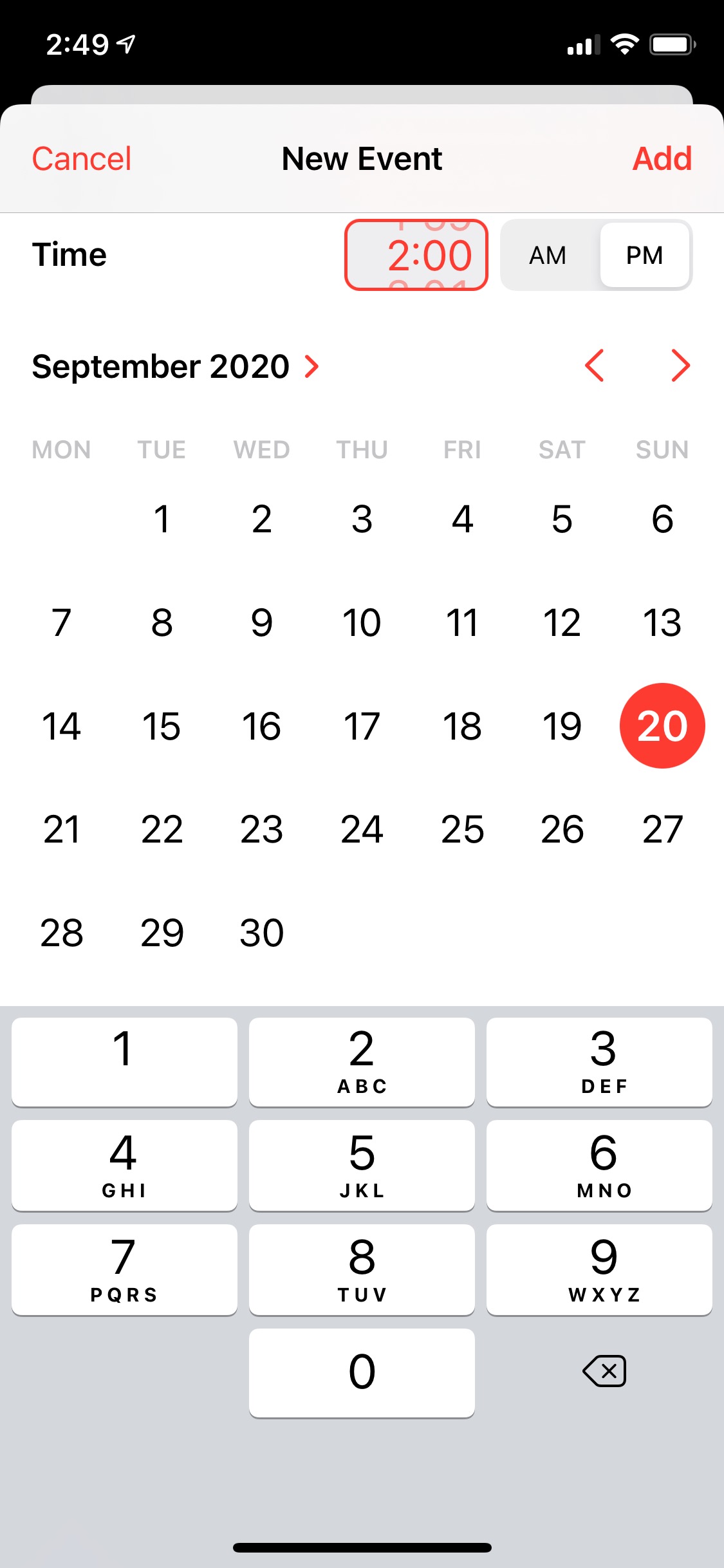
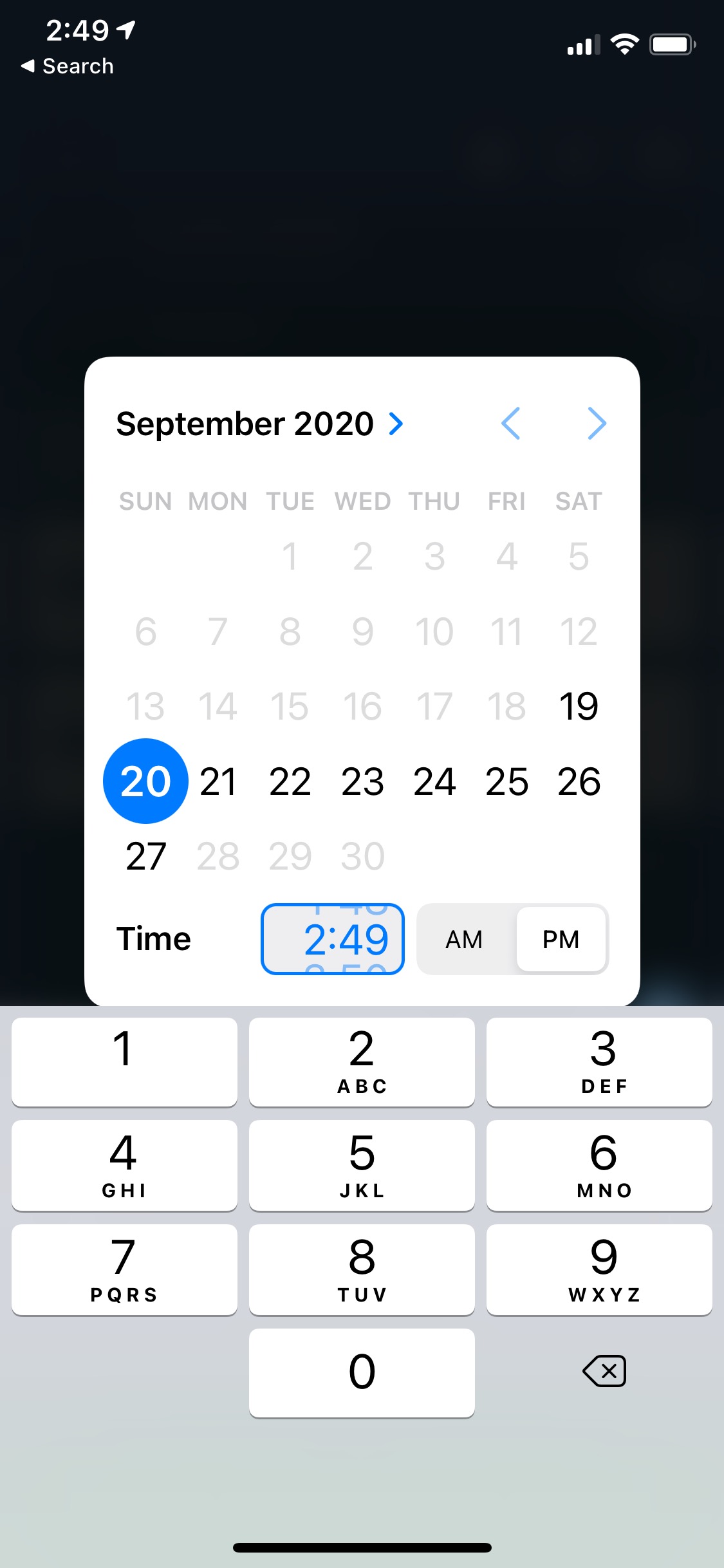
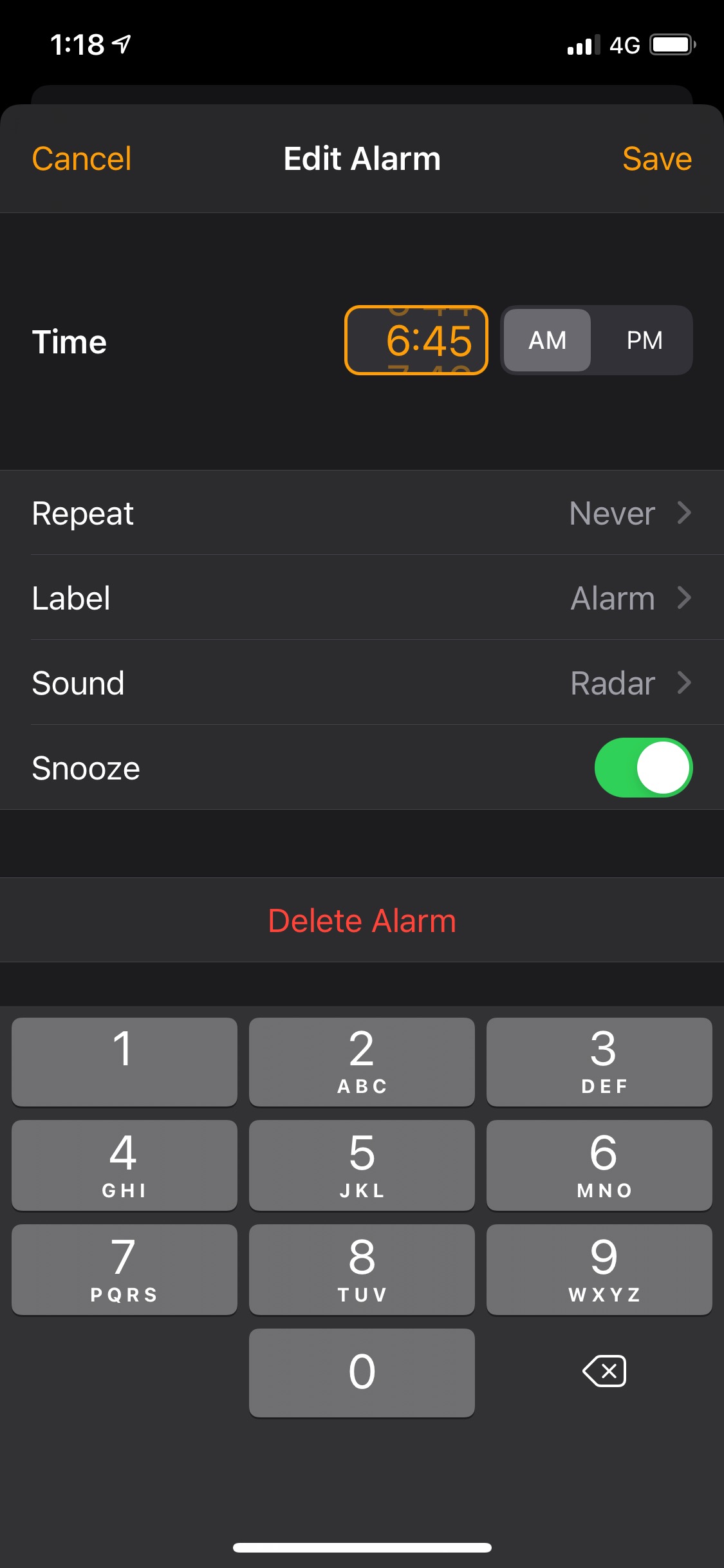
Some examples of how AI is being integrated in apps — and by integrated I don’t mean slapping a floating button with a chat interface: While chat is powerful, for most products chatting with the underlying LLM should be more of a debug interface – a fallback mode – and not the primary UX. I […]
A step back
I am pleased to find out I am not the only one frustrated by the behaviour of the back button in Photos or bewildered by where it will take me in Music. There’s a growing list of apps, developed directly by Apple, that would benefit from having proper navigation but have opted for an erratic […]
10 years ago, Samsung made a deck detailing 126 things that iOS did better than the original Samsung Galaxy S operating system
And they were very meticulous about it (via Benjan Mayo)
The Version Museum
A museum of software interfaces.
The Menu Bar
Jack Wellborn: The menu bar has been, and in my opinion remains, the best mechanism for providing familiarity, discoverability, and progressive disclosure in user interfaces on any platform. Even beyond the Mac, anyone who has clicked on a File menu in one platform has a pretty good shot at guessing where a Save command might […]
In Bob Burrough’s words (Burrough is the author of the demo):
An environmentally-lit interface takes information from the environment around the device and uses it to render physically-accurate things on the screen. It appears as if the lights around you are shining on the things on the screen. […]
This doesn’t mean you have to hold a flashlight over your phone to read the web in bed. What it means is, designers are empowered to use the design language of the physical world to design their interfaces. Gloss, glitter, glow-in-the-dark, or any other visual quality may be used. In the case of reading a website in a darkened room, the web designer may apply elegant backlighting or glow-in-the-dark treatments to maintain legibility. This is far superior to today’s method of making your phone act like a spotlight that shines in your face.
Scordarsi della carta
Matt Gemmel ha scritto un articolo dei più intelligenti che abbia letto sul design degli oggetti digitali, con particolare attenzione ad iOS. È una critica allo skeumorfismo, più sensata di tante lette fino ad oggi. È sbagliato avere come riferimento assoluto, nel disegnare un’interfaccia, la versione analogica di quello che si sta proponendo; si tratti di un calendario, […]